Category: Home Tech
Tech Guys Helping Tech Guys!
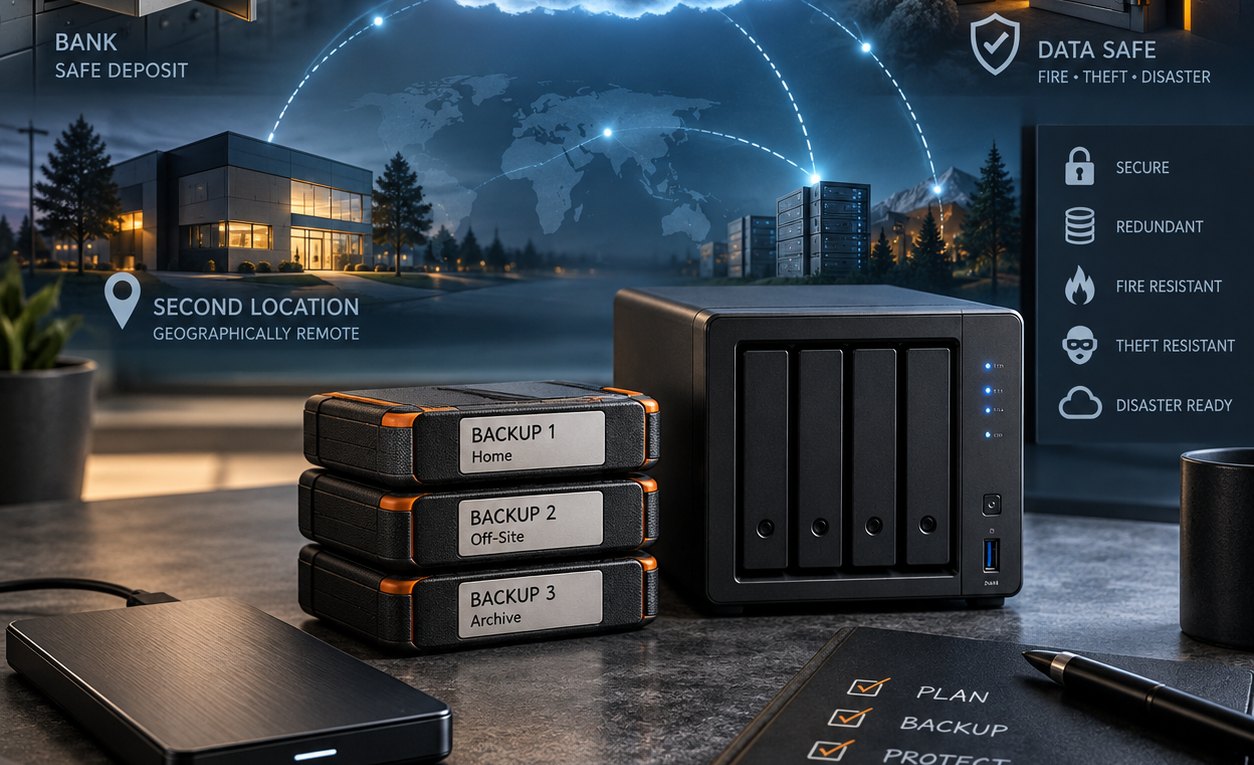
How Do You Keep Off-Site Backups Safe? A Community Guide
A Home Server Show flashback sparked by Kevin Schoonover: what actually makes an off-site backup safe? We’re collecting real-world strategies for protecting backup copies from fire, theft, hardware failure, loss and location-wide disasters.
Click for more / Podcast Player>Cloud Storage Know IT Guyde: OneDrive, Google Drive, iCloud, Dropbox or Something Else?
As an Amazon Associate I earn from qualifying purchases. Cloud storage has changed a lot since I first built the Cloud Storage Know IT Guyde. Back then, the idea was pretty simple: collect as many cloud storage services as I could find, put them into one place, list how much free storage they offered and try to keep the list current. That worked for a while. It also produced a page full of names like Cubby, Pogoplug, Wuala, Copy and Ubuntu One. Some disappeared. Others were acquired or changed direction. Prices changed. Free storage changed. New services appeared. And the
Click for more / Podcast Player>Windows Know IT Guyde: Upgrade, Repair, Replace or Keep What You Have
I’ve been writing and talking about Windows on The Average Guy for a long time. Years ago, I built separate Know IT Guydes for Windows 8 and Windows 10. The idea was pretty simple: put useful information in one place and keep updating it as Windows changed. The keeping-it-updated part didn’t exactly go according to plan. So I’m doing things differently this time. Instead of creating another Guyde tied permanently to one version of Windows, this is the Windows Know IT Guyde. Windows versions will change. Hardware will change. Microsoft’s requirements will change. But the questions most people are trying
Click for more / Podcast Player>Mac mini M4 vs RTX 3060 PC for Local AI: What I Learned Running Both
Quick answer: After running local AI on both a Mac mini M4 with 32GB of unified memory and a Windows PC with a Ryzen 5, NVIDIA RTX 3060 and 128GB of RAM, I would choose the Mac mini if I wanted a quiet, efficient, always-available local AI box. I would keep the RTX PC when CUDA/NVIDIA compatibility, Windows workloads or GPU-specific experimentation mattered more. Neither replaces hosted models for every job, but both taught me that local AI hardware should be matched to the work rather than bought for benchmark bragging rights. Amazon disclosure: As an Amazon Associate I earn
Click for more / Podcast Player>EcoFlow DELTA 3 Long-Term Review: What I Learned Using It for Home Backup and Solar
Quick answer: After using the EcoFlow DELTA 3 in my real home-energy setup, I would buy it again. I have used it for solar charging, backup power, running appliances, and as part of a Home Assistant-monitored system. What keeps it at the center of my setup is not one headline specification. It is the combination of fast charging, useful solar input, a good app, and day-to-day usability. My pick: If I were buying a roughly 1kWh portable power station again today, the EcoFlow DELTA 3 is the direction I would go. This article contains Amazon affiliate links. If you buy
Click for more / Podcast Player>