
Home
Practical Technology for Everyday Life
I’m Jim Collison. I explore the technology we actually use: smart homes, home labs, local AI and useful gadgets. Here you’ll find practical guides, lessons from real projects and the conversations behind Home Gadget Geeks.
Explore by Topic
Smart Home & Home Assistant
Automation, security cameras, sensors and projects that make a house work better.
Home Lab & Storage
Unraid, backups, home servers, networking and practical troubleshooting.
AI & Automation
Run models locally, use AI assistants thoughtfully and learn from practical experiments.
Podcasts & Conversations
The latest Home Gadget Geeks episodes, guest insights and complete show notes.
Start With These Guides
Not sure where to begin? These are useful entry points into the topics we cover most.
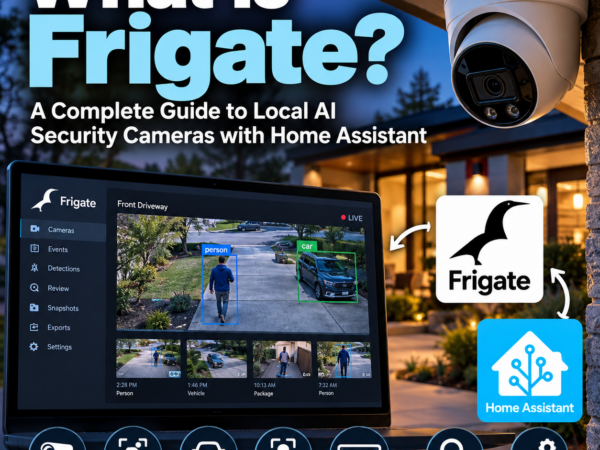
Getting Started with Frigate
Learn how local AI camera security works, then compare software, cameras and hardware.

Local AI on an Older PC
Find out when more RAM, VRAM or a GPU upgrade makes sense before buying a new AI workstation.
Latest from Home Gadget Geeks
HGG694 — Dual Monitors, AI Troubleshooting, Solar Landscape Lighting and Tesla FSD
Brian Flanigan-Arthurs joins me to talk through practical technology experiments, what worked and what didn’t.
Latest Articles
Fresh troubleshooting advice, projects and guides from the site.
- Dual Monitors, AI Troubleshooting, Solar Landscape Lighting and Tesla FSD with Brian Flanigan-Arthurs – HGG694
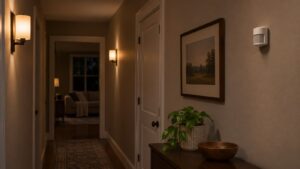
- How to Set Up Dim Motion Lighting at Night in Home Assistant
- How to Tell Whether Your PC Needs Better Airflow or a Better CPU Cooler

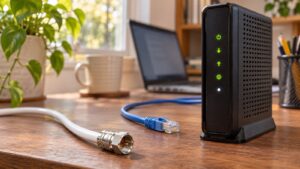
- How to Troubleshoot Slow Cable Internet Before Replacing Your Modem
- What to Do When Your Unraid Server Hardware Fails
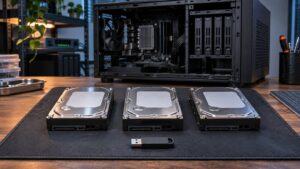
- What to Do When Your Hard Drive Warranty Replacement Is Out of Stock
Explore more technology articles →
Keep the Conversation Going
Enjoy the guides? Follow along with Home Gadget Geeks and help support independent practical technology coverage.
Subscribe to Home Gadget Geeks → · Support & affiliate information →



